Water Panel, built in
The bar fills with water that rises and falls with the music, in colours picked from your wallpaper. While Spotify plays, a wordmark of your own splashes through it.
Fete Labs/Fetelabs Task Bar
GNOME extension · 4.2.5
One floating bar for GNOME with your apps, windows, tray and clock, and it is water: it moves with whatever is playing and takes its colours from your wallpaper. Open source under the GPL; the download from this site is US$2.49.
Fetelabs Task Bar 4.2.5 is US$2.49, paid once by card. The zip downloads as soon as the payment goes through, and the link in your receipt email works again later.
Payments are taken by Stripe. Card details go straight to Stripe and never reach our servers. A receipt is emailed to you. By paying you agree to the Terms.
For lovers of Dragon Ball and its greatest transformation, Teen Gohan going Super Saiyan 2. The boot screen is a four-star Dragon Ball that sloshes while the computer starts. Then the desktop opens on Gohan, and the water in the bar turns into a golden aura with lightning crackling through it, timed to the power-up sound. When the sound ends, the water comes back. This mod is free for all, on GNOME only: unzip it and run sh install.sh. The aura burns in Fetelabs Task Bar 4.2.5 and later.
A fan tribute, not an official product. Dragon Ball, Gohan and Super Saiyan are the work of Akira Toriyama, and all rights belong to him and their rights holders.
Four wallpapers, four colours, and none of them a preset. The bar reads the wallpaper you set and takes its colours from it, and changes when you change it. The mini player does the same with the album art of the song that is playing.
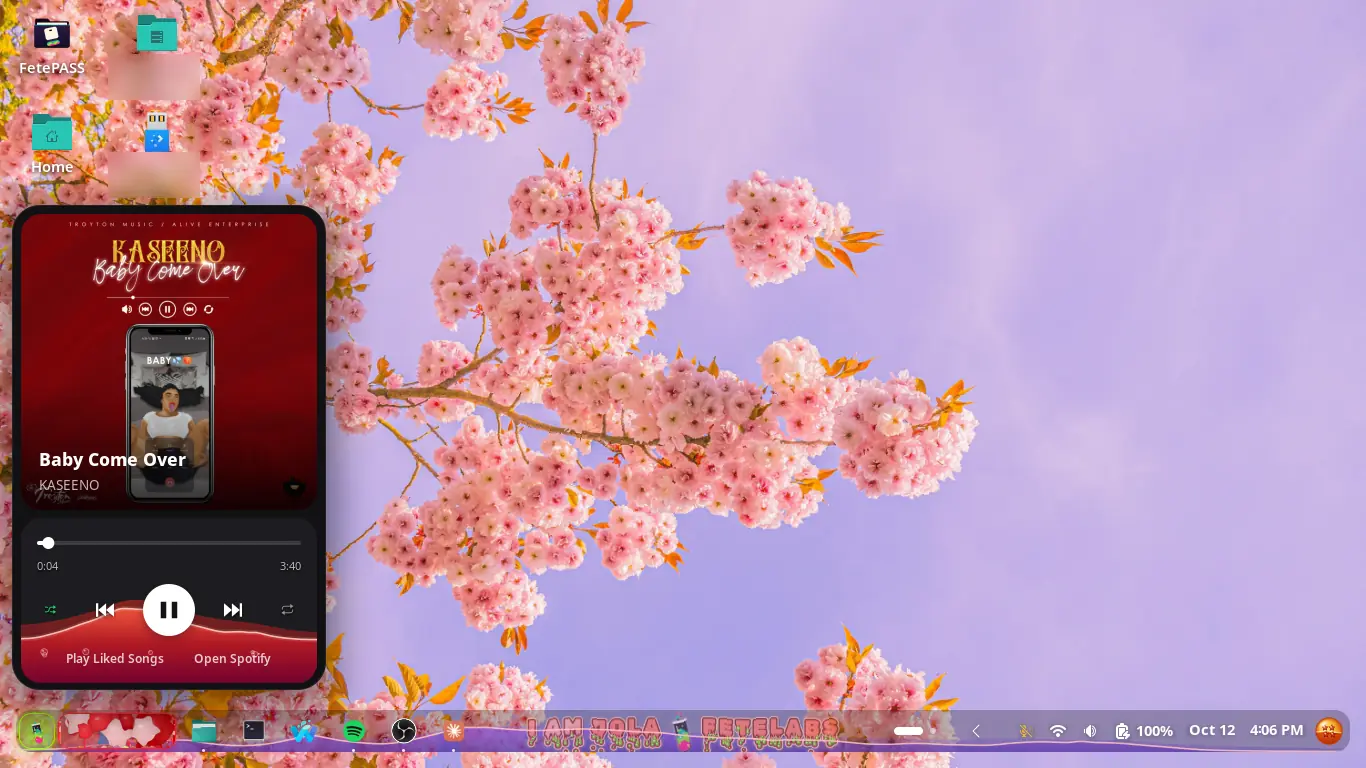
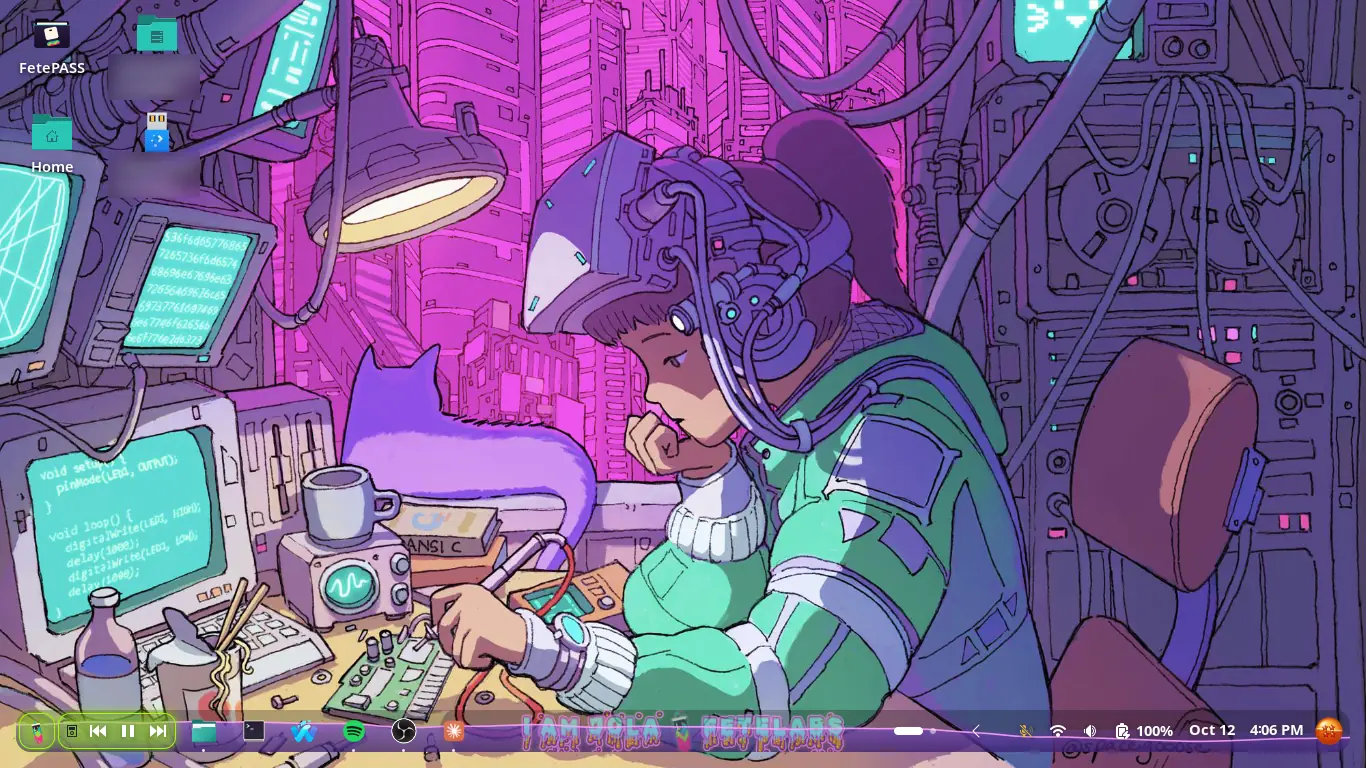
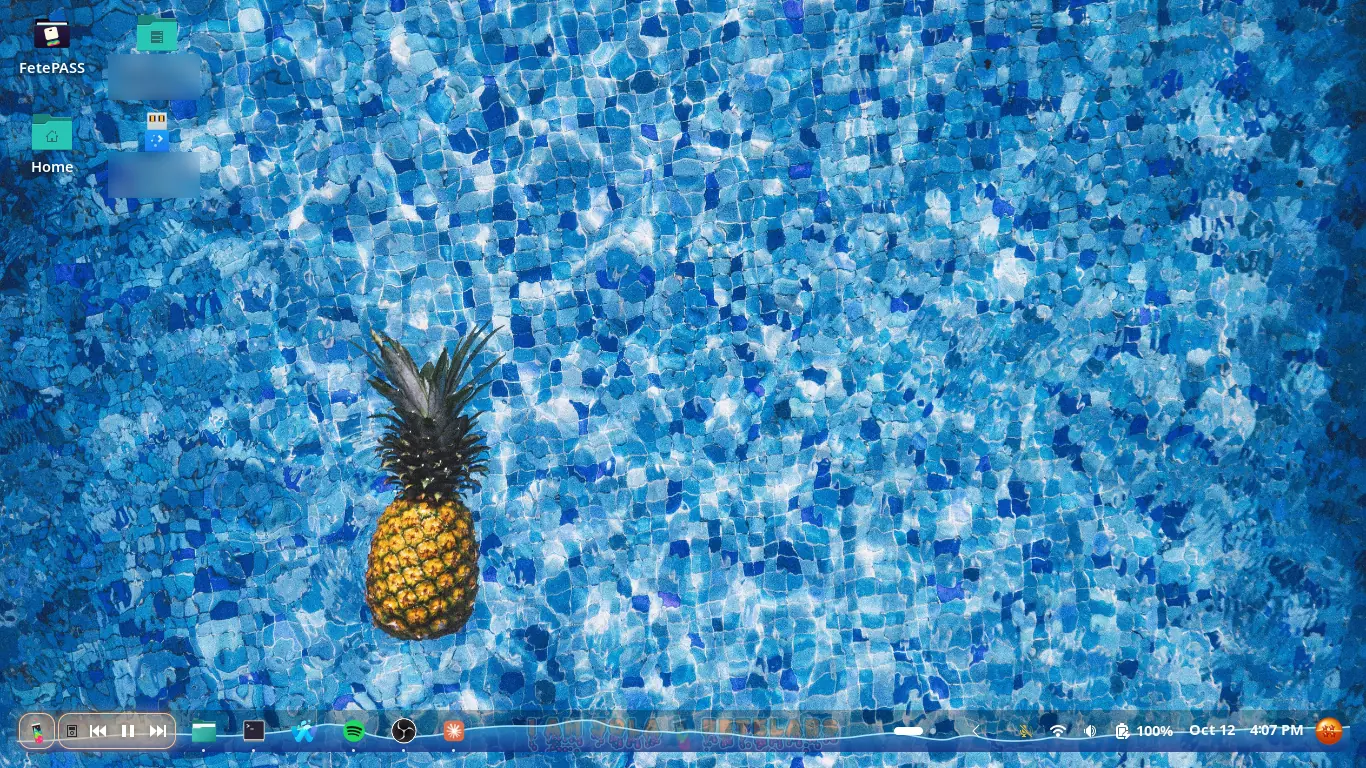
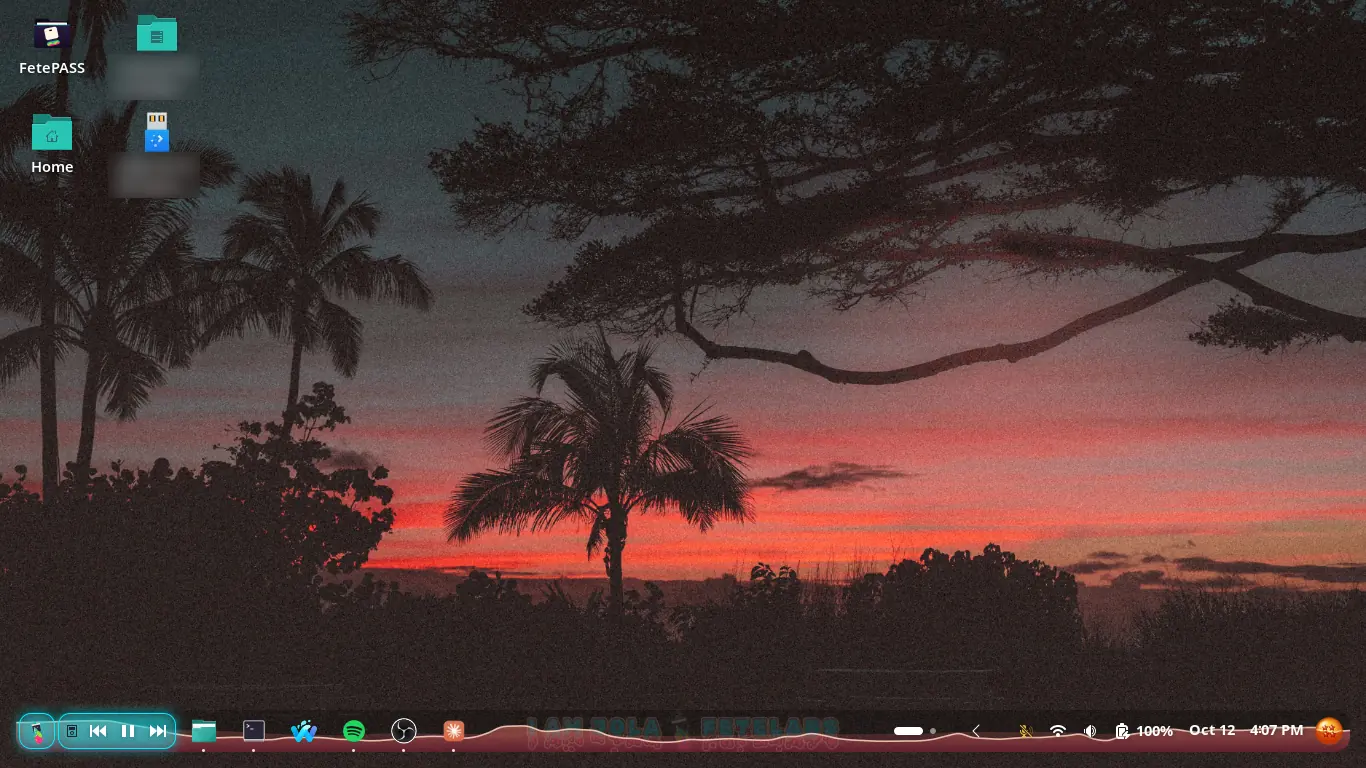
The bar fills with water that rises and falls with the music, in colours picked from your wallpaper. While Spotify plays, a wordmark of your own splashes through it.
The first thing in the bar is the Fete Labs tube, drawn live: its liquid rises and bubbles stream up with the music. It opens Fetelabs ArcMenu, our fork of ArcMenu, and so does the Super key. Without it the button opens the app grid.
Back, play and next at the start of the bar. A click opens the mini player; it can also start your Liked Songs at login without the window getting in the way.
Show Desktop is a ball drawn live, its liquid moving with the music. Pick one to seven stars, or swap it for any icon.
Buy the download, then run gnome-extensions install fetelabs-task-bar.zip, log out and back in, and turn it on in Extensions. Turn off any other taskbar or dock extension first, so only one taskbar runs.
For the start menu, download Fetelabs ArcMenu and install it the same way: gnome-extensions install fetelabs-arcmenu.zip. Turn off ArcMenu or any other start menu first, so the Super key opens only one.
The water needs python3 with NumPy and parec: sudo apt install python3-numpy pulseaudio-utils. Without them the bar still works, just without the water.
Open source under the GPL, with the Fete Labs setup as the defaults; the credits are on the acknowledgements page. With extensions.gnome.org for review.